Best AI video translators in 2026: 8 tools for dubbing ads into 30+ languages
Eight AI video translators compared for dubbing ads into new markets: lip sync, voice cloning, languages, free options and which tool fits each type of ad.

The best AI video translator in 2026 depends on what you are translating. HeyGen covers the most languages, with 175+ languages and dialects and lip-synced voice cloning. Synthesia has strong lip sync and lets you dub a 1-minute video for free. ElevenLabs is the best AI dubbing tool when voice quality matters more than lip movement. And for ad teams, Arcads translates any uploaded ad into several languages in one click, with lip sync and 176 language and accent options.
For ads, translation is only half the job. A dubbed ad has to sound native, keep the speaker's lips in sync, and still land its hook in the first three seconds. Below are the eight tools we compared, what each one does well, and where each one falls short for ad localization.
Quick picks
- Best for translating ads in bulk: Arcads, with one-click translation into 176 language and accent options.
- Most languages: HeyGen, with 175+ languages and dialects.
- Best lip sync on a free test: Synthesia, with free 1-minute dubs.
- Best voice quality: ElevenLabs, with Dubbing v2 in 90+ languages.
- Best for long creator videos: Rask AI, with 135+ languages.
- Best for multi-speaker ads: Perso AI, with up to 10 speakers per video.
- Best for lip sync on every plan: Vozo, with 160+ languages.
- Best free option inside an editor: CapCut, with translation and lip sync in its desktop app.
How we compared them
We judged each AI video translator on whether its output could run as a paid ad in a new market. Four things decided the ranking:
- Lip sync: whether the speaker's mouth matches the new language, which matters most on talking-head and UGC ads.
- Voice: whether the dub keeps the original speaker's voice or swaps in a stock voice.
- Languages: how many target languages the tool covers, and how good the major ones sound.
- Ad workflow: how quickly you can turn one winning ad into several language versions and test them.
Language counts and plans change often. We checked published product pages and reviews in October and November 2026; confirm details on each vendor's site before you commit.
Comparison table
What makes a good AI dub for ads
A translated training video can get away with a stock voice and loose timing. A translated ad cannot, because viewers decide in seconds whether to keep watching. Check these four things before you pick a tool:
- Lip sync on close-ups. UGC and talking-head ads are filmed close to the face, so any mismatch between mouth and audio shows immediately. Voice-only dubbing works for voiceover, product and B-roll ads.
- A voice that still sounds like the speaker. Voice cloning keeps the same person selling the product in every market, which matters when the creator or founder is the face of the brand.
- Editable translations. Slogans, product names and hooks rarely translate word for word. Pick a tool that lets you edit the script before it renders, and have a native speaker check your main markets.
- Translated captions. Many people watch social ads with the sound off, so burn translated subtitles into every version.
Subtitles vs AI dubbing vs lip sync
AI video translators do one of three jobs, and they cost very different amounts:
- Subtitles: What it does: Translates the captions; the audio stays in the original language; Best for ads that...: Run mostly with the sound off
- AI dubbing: What it does: Replaces the voice with a translated one, often in the speaker's cloned voice; Best for ads that...: Use voiceover, B-roll or product shots
- Lip-synced translation: What it does: Dubs the voice and changes the speaker's mouth to match; Best for ads that...: Show a person talking to camera
Lip sync is worth paying for when a face fills the frame, as in UGC and founder ads. For everything else, AI dubbing plus translated captions is usually enough.
How to test an AI video translator before you pay
The number of languages on a pricing page says little about how good the dub sounds in the languages you need. Test with your own footage instead:
- Use your real ad. Pick a 15 to 30 second ad with a face on camera and fast speech, since that's where tools struggle.
- Test your top markets only. Translate into the two or three languages you will actually run.
- Ask a native speaker. Have them check the script, the voice and whether the hook still works.
- Watch on a phone. Lip-sync errors that hide on a laptop are obvious on a full-screen mobile feed.
- Get consent for voice cloning. Only clone the voice of someone who has agreed to it, including creators you hired.
1. Arcads: best for translating video ads in bulk
Arcads is an AI ad platform, so translation sits inside the same workflow you use to make and test ads. Its Translate Video tool takes any video you upload, including ads filmed outside Arcads, and returns a dubbed version with a natural voice-over and automatic lip sync. You can translate one ad into several languages in a single click, which makes it quick to build a version for every market you run.
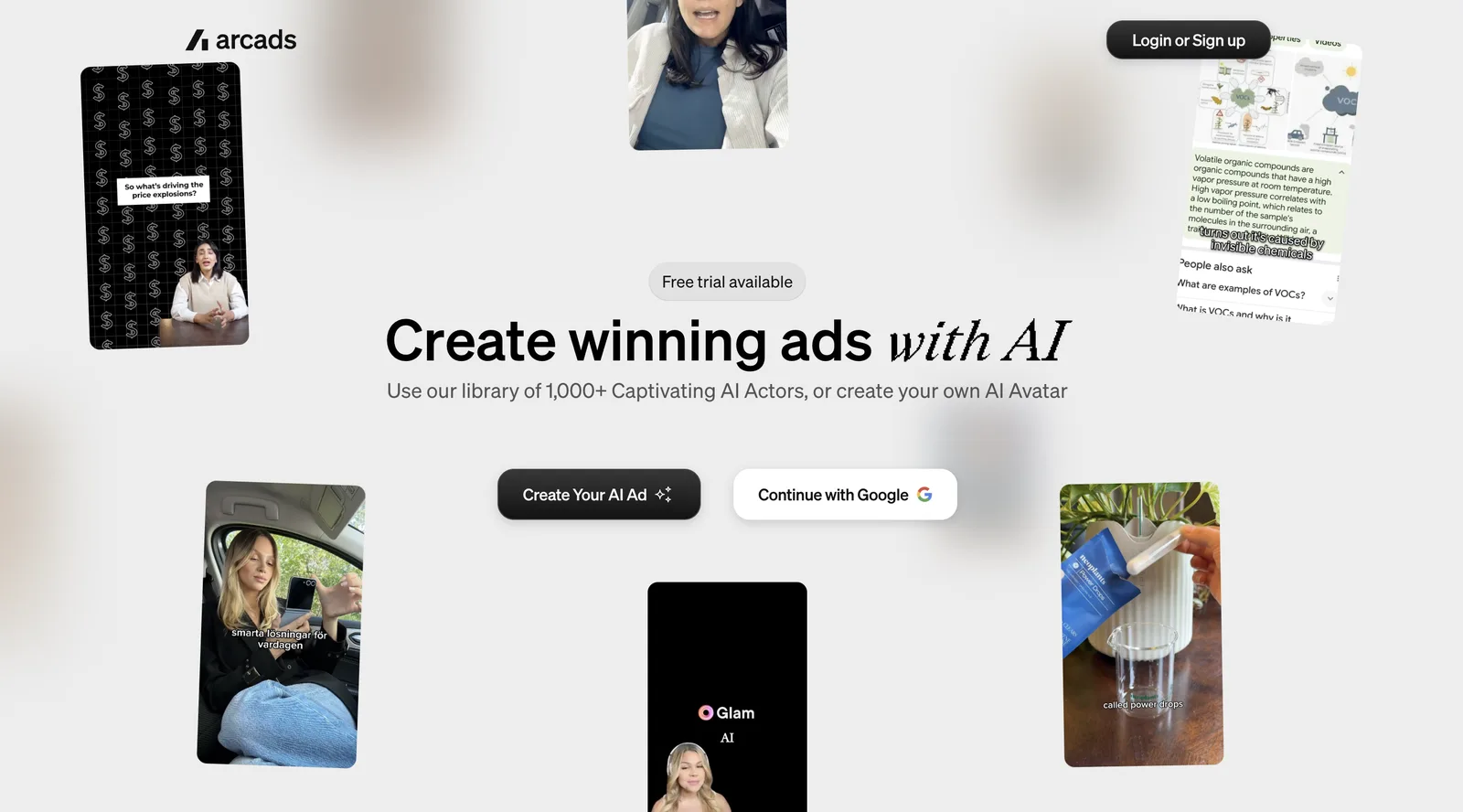
- Languages: 176 language and accent options for Translate Video. Arcads' AI actors also speak 74 languages with accents.
- Bulk translation: one ad into multiple languages in one click, with lip sync adapted to each language.
- Best for: localizing winning ads, UGC and creator content across regions without reshooting.
- Watch out for: uploads are capped at 100 MB, and translation runs only in the app, not through the API.
Translation is one part of a bigger ad toolkit. You can make new ads with 1,000+ AI actors, which are based on real actors who consented and are paid for their likeness. You can put your own voice on an actor with speech to speech, direct an actor's emotion from the script, and add captions, swap actors or extend a video after it's made.
For the best translations, Arcads recommends clean audio, one clearly visible speaker and little background noise. The source video matters: the cleaner it is, the better the dub and lip sync.
The free trial runs for 72 hours with 1,000 credits and every feature unlocked. A card is required but isn't charged during the trial, and you get a reminder 24 hours before it ends. If you don't cancel, the Starter plan begins, with 8,000 credits a month. Start your free Arcads trial and translate your best ad into your top markets.
2. HeyGen: most languages
HeyGen's video translator takes an uploaded video or a YouTube link and dubs it with the speaker's cloned voice and matching lip movements.
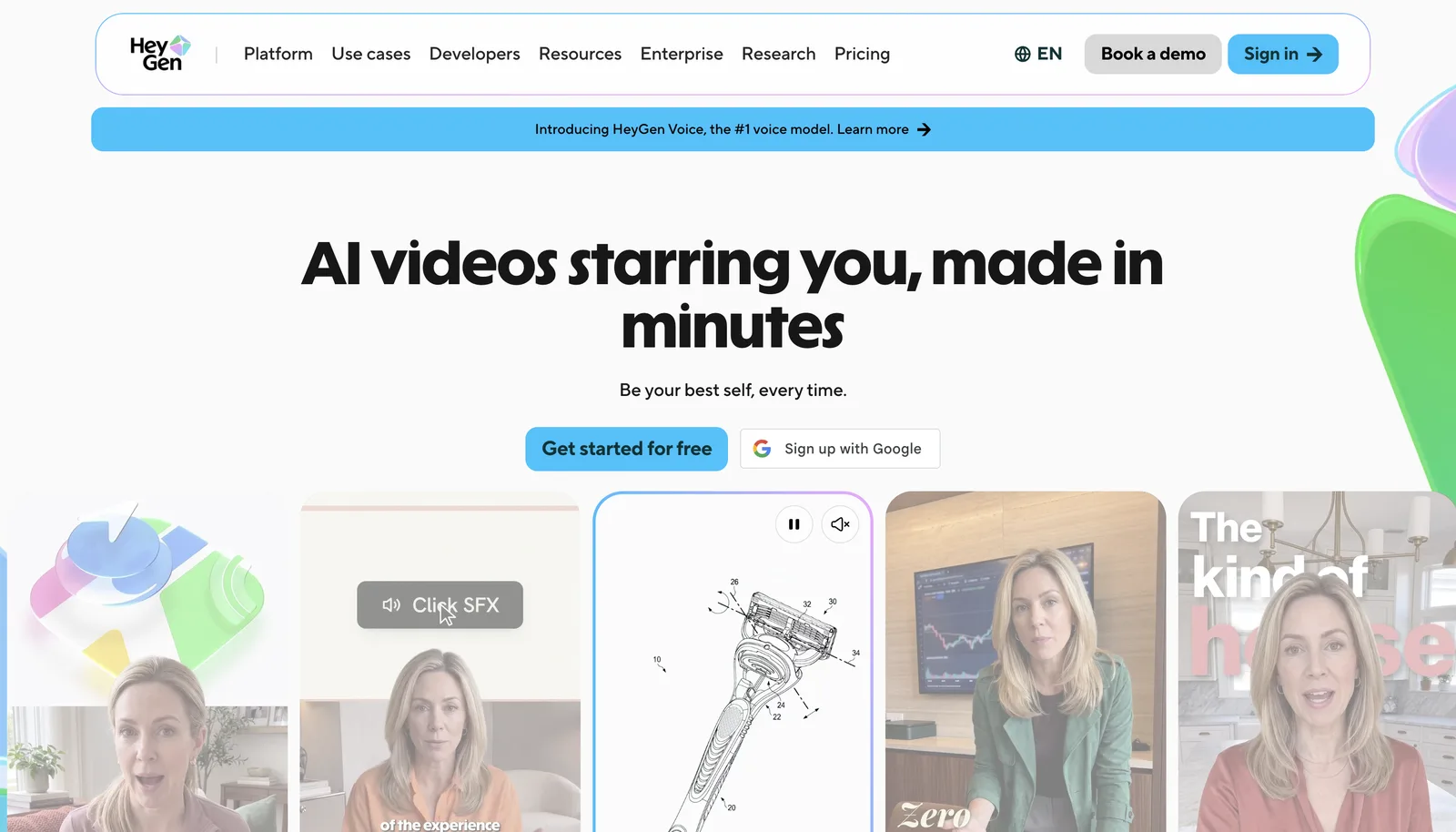
- Languages: 175+ languages and dialects.
- Best for: reaching many markets from one talking-head video.
- Free option: 3 translated videos a month, each up to 3 minutes.
- Watch out for: reviewers note that lip sync is strongest in major languages and less reliable in tonal or less common ones, such as Mandarin or Thai.
If you're searching for the HeyGen video translator specifically, it is part of the main HeyGen app, so the same account covers avatar videos and translation.
3. Synthesia: best lip sync on a free test
Synthesia is best known for AI avatars, but its AI dubbing also translates existing videos with voice cloning and lip sync. It released Dubbing 2.0 in July 2026.
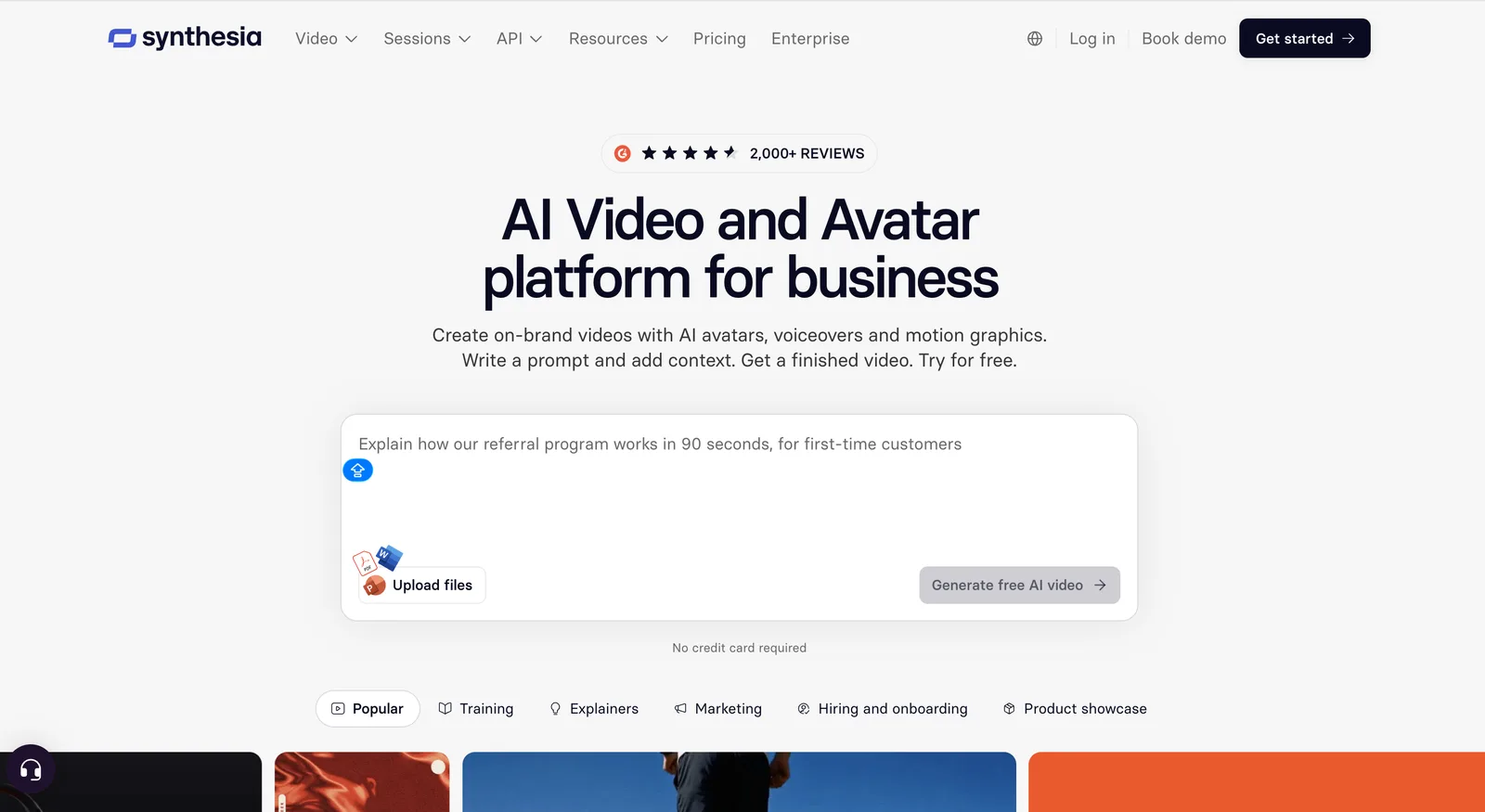
- Languages: 140+.
- Best for: clean, presenter-led product ads and explainers.
- Free option: dubs up to 1 minute long with lip sync.
- Watch out for: the platform is built around business and training video, so it has fewer ad-specific features.
4. ElevenLabs: best AI dubbing tool for voice quality
ElevenLabs started as a voice company, and its dubs sound the most natural. Dubbing v2, released in mid-2026, clones each speaker's voice, keeps the background audio, and lets you edit the dub segment by segment in Dubbing Studio.
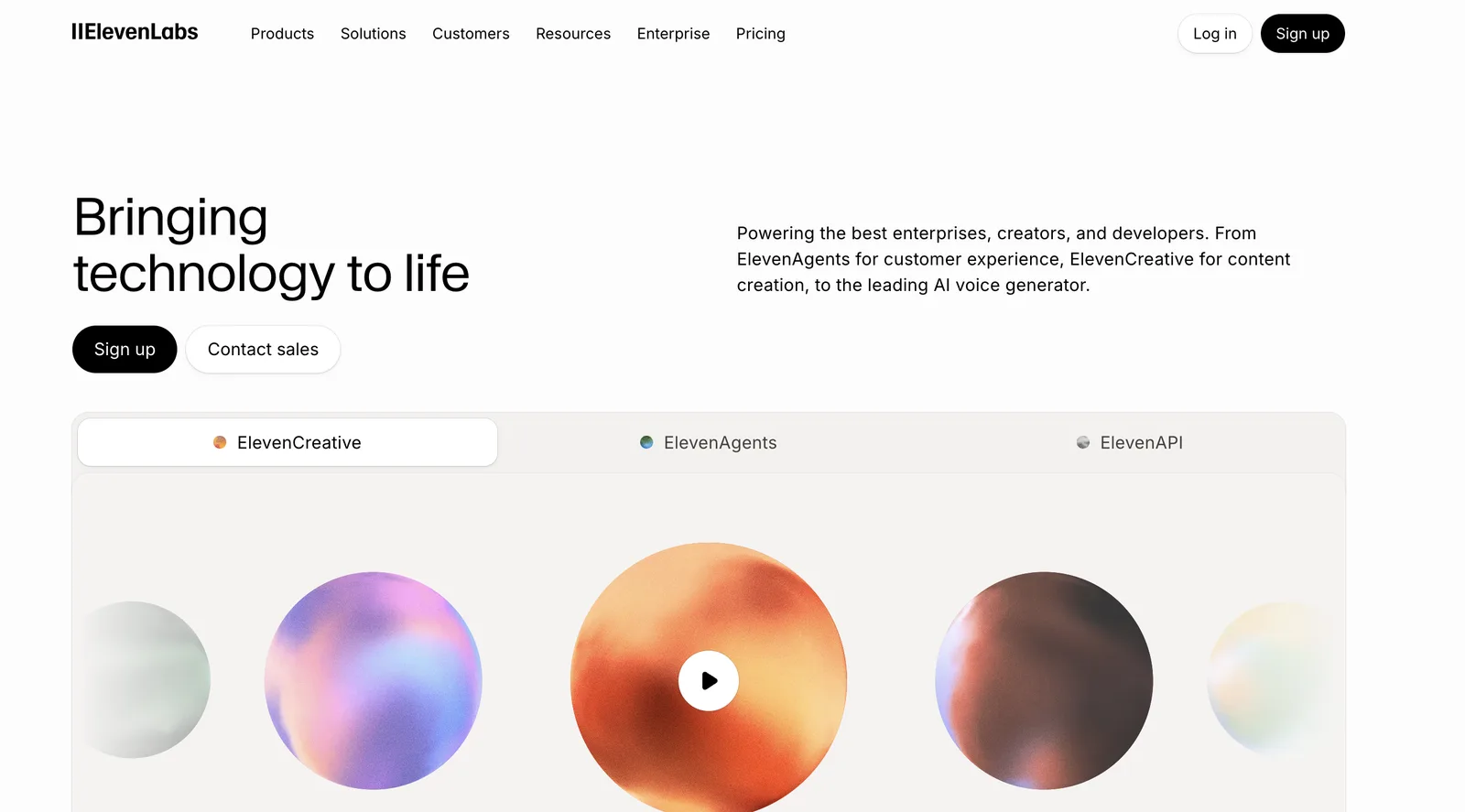
- Languages: 90+ with Dubbing v2.
- Best for: voiceover ads, product demos and B-roll ads where no one speaks to camera.
- Free option: limited free usage; paid plans start at a few dollars a month.
- Watch out for: ElevenLabs dubs the audio only, with no lip sync, so faces on camera won't match the new language.
5. Rask AI: best for long creator videos
Rask AI handles transcription, translation, voice cloning and lip sync in one pass, and detects multiple speakers automatically.
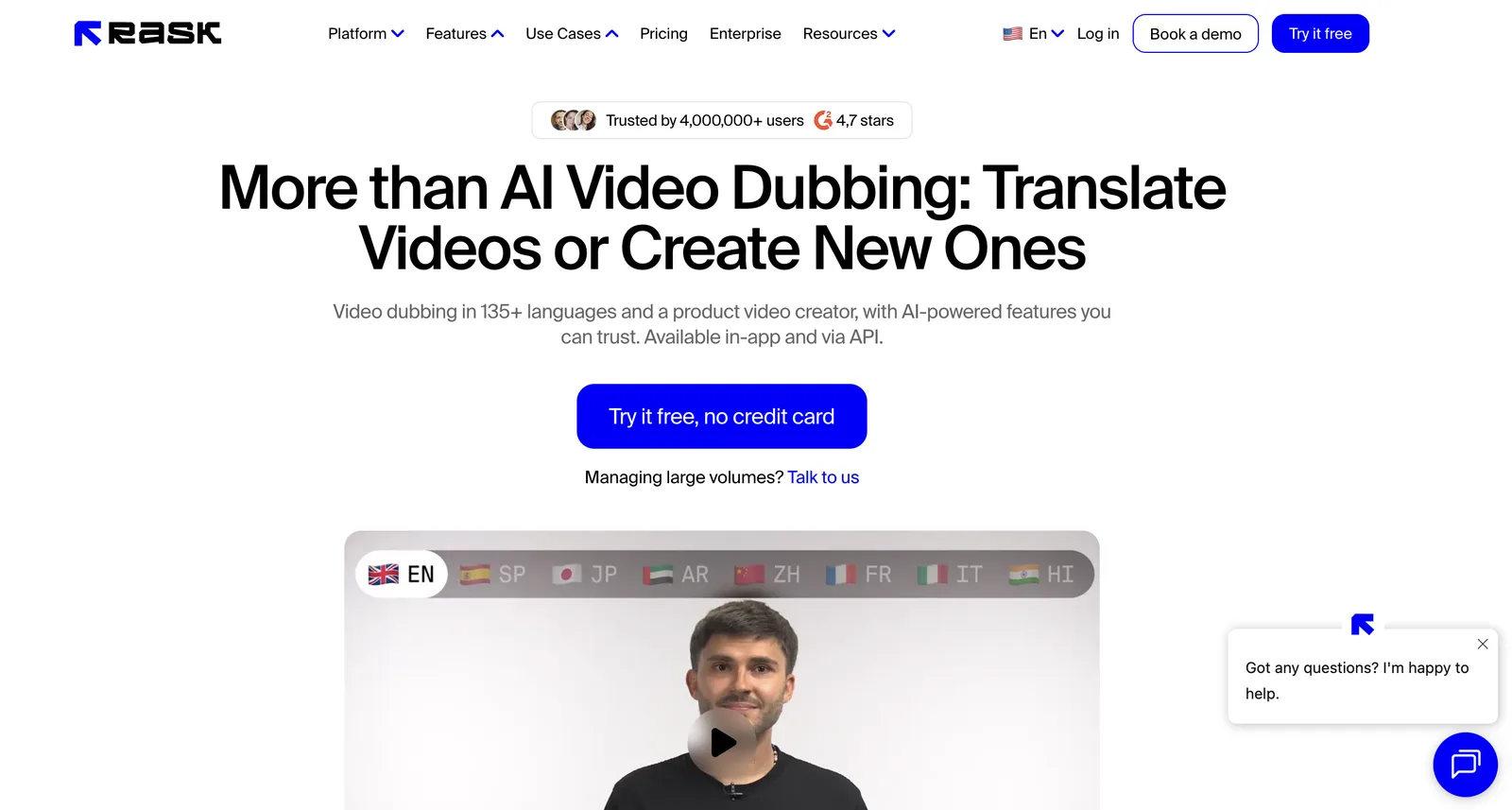
- Languages: 135+.
- Best for: dubbing long creator videos and podcasts.
- Free option: a 3-minute free trial.
- Watch out for: lip sync is only on higher-tier plans, and some reviewers rate its lip-sync quality below HeyGen's and Synthesia's.
Want to try the Rask AI video translator free? The 3-minute trial is enough to dub one short ad and judge the voice and lip sync before you pay.
6. Perso AI: best for multi-speaker ads
Perso AI focuses on dubbing for marketing teams, with lip sync, voice cloning, script editing and a glossary to keep brand terms consistent.
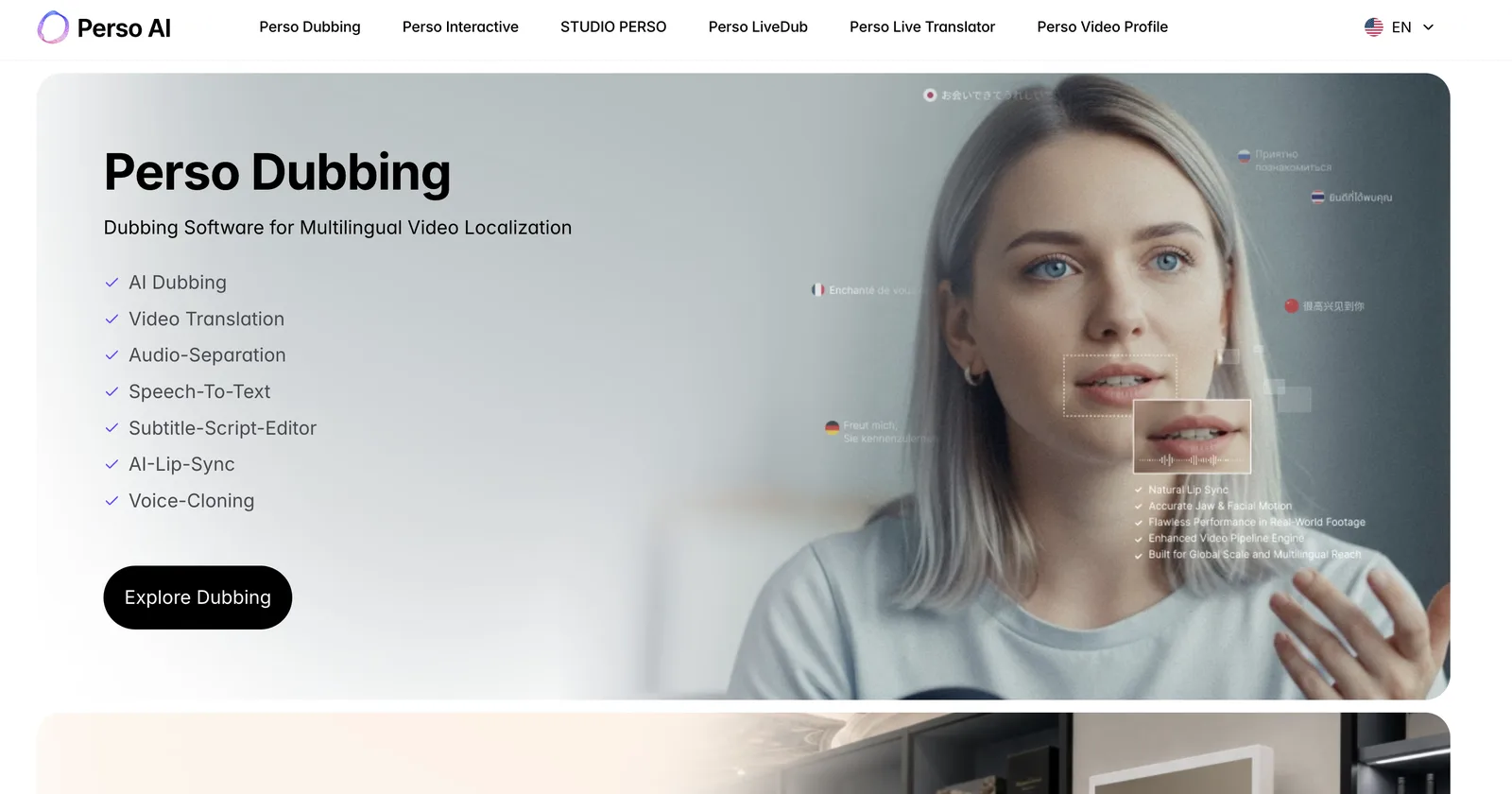
- Languages: voice-cloned dubbing in 33+ languages.
- Best for: ads with more than one person on screen, with support for up to 10 speakers per video.
- Watch out for: fewer languages than HeyGen or Rask AI.
7. Vozo: best for lip sync on every plan
Vozo AI video translator dubs videos with voice cloning and lip sync, and also translates subtitles and on-screen text. It includes a proofreading editor so you can fix the script before export.
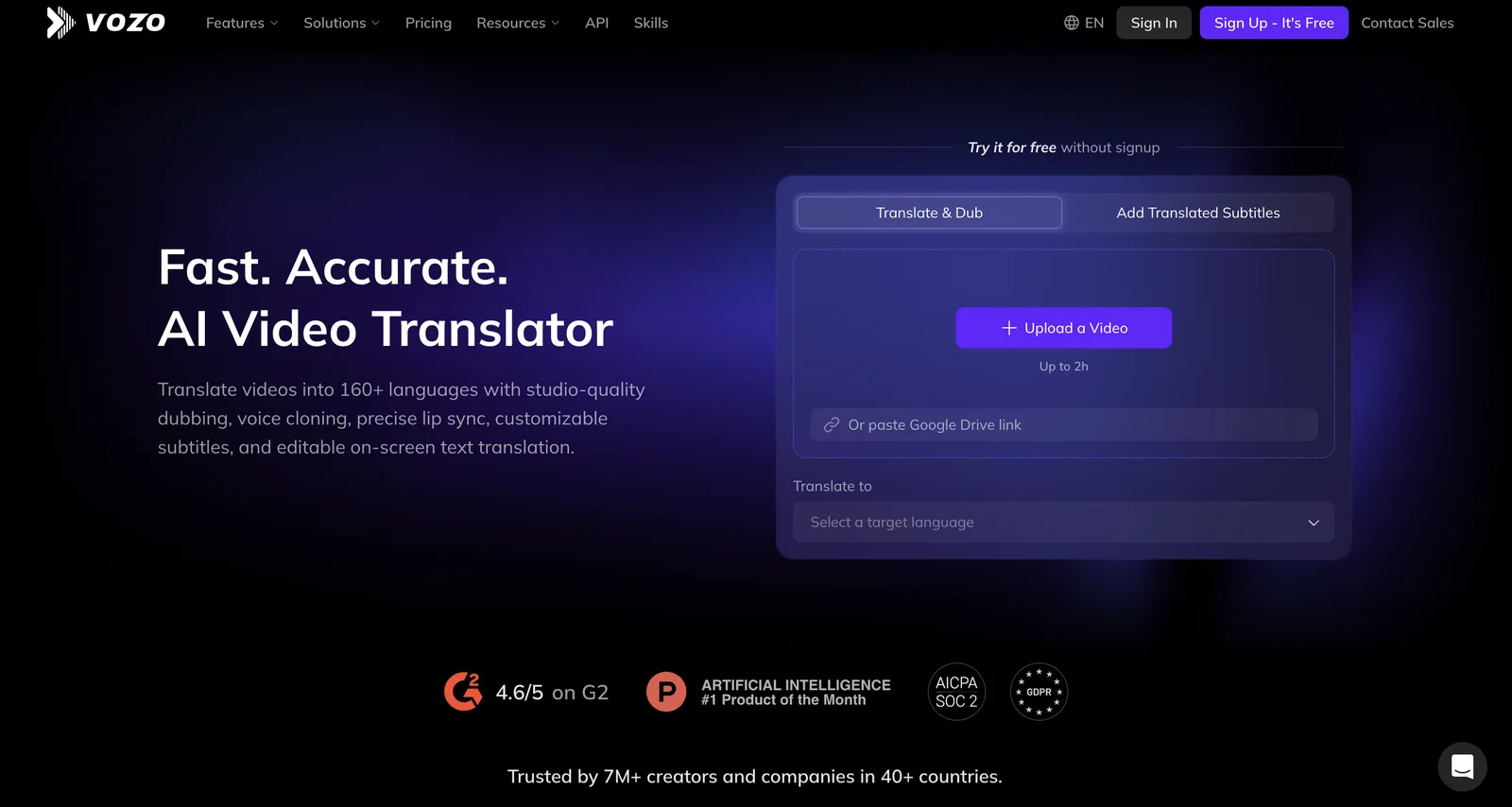
- Languages: 160+.
- Best for: talking-head and product videos where lip sync has to be in the budget from the start.
- Free option: a free trial with a small allowance of AI points.
- Watch out for: the free trial doesn't say how many minutes it covers, so test it on a short clip first.
8. CapCut: best free option inside an editor
CapCut's video translator lives inside the same editor many teams already use to cut ads, so you can translate, caption and edit in one place.
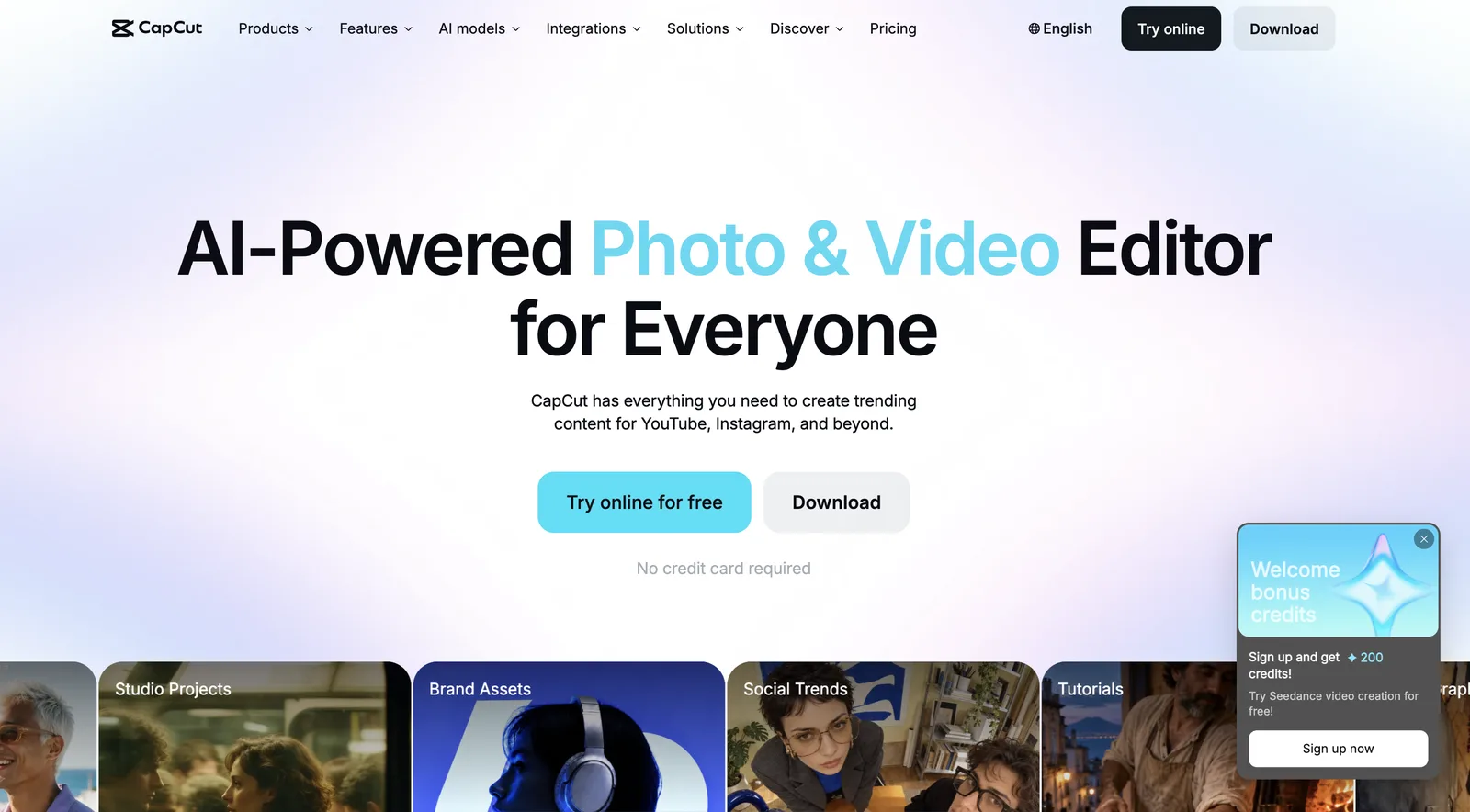
- Best for: quick translations of short social ads you are already editing in CapCut.
- Free option: free to use with limits.
- Watch out for: lip sync is in the desktop editor, and it is built for quick social content rather than large localization projects.
CapCut also has a free mobile app, which makes it a common answer for anyone looking for a free app to translate video language on the go. Lip-synced translation is in the desktop editor.
Which AI video translator fits your ad
- A winning ad you want in many markets: Use: Arcads; Why: Bulk-translate one ad into many languages with lip sync
- A filmed talking-head or founder ad: Use: HeyGen or Synthesia; Why: Lip sync and voice cloning on real footage
- A voiceover, demo or B-roll ad: Use: ElevenLabs; Why: Most natural voice, and no lip sync needed
- An ad with several people talking: Use: Perso AI or Rask AI; Why: Multi-speaker detection
- A quick test on a small budget: Use: HeyGen, Synthesia or Vozo free tiers; Why: Free lip-synced dubs to compare quality
- A short social ad you edit in CapCut: Use: CapCut; Why: Translate, caption and edit in one place
A simple workflow for ads: translate your best-performing ad first, not your whole library. Pick your top two or three markets, have a native speaker check each script, then run each language version against a subtitled version of the original to see which performs better. Our guide to ad creative testing shows how to set up those tests.
Frequently asked questions
Which AI video translator is the best?
For the most languages, HeyGen covers 175+ languages and dialects with lip sync. For lip-sync quality, Synthesia is a strong pick. For UGC-style ads made with AI actors, Arcads bulk-translates them, or any ad you upload, with lip sync inside the same ad workflow.
What is the best AI dubbing tool?
ElevenLabs has the most natural-sounding voices and dubs in 90+ languages, but it does not sync lips. If the speaker's face is on camera, use a tool with lip sync, such as HeyGen, Synthesia, Rask AI or Arcads.
What is the difference between AI dubbing and AI video translation?
AI dubbing replaces the audio with a translated voice track. AI video translation usually goes further, adding lip sync so the speaker's mouth matches the new language, plus translated captions.
Can AI translate a video for free?
Yes, within limits. HeyGen translates 3 videos a month up to 3 minutes each, Synthesia dubs videos up to 1 minute, and Vozo and Rask AI offer short free trials. Free plans suit testing, not translating a full ad library.
What is the best free AI video translator?
HeyGen has the most usable free plan for lip-synced translation, with 3 videos a month up to 3 minutes each. Synthesia is a good second option for 1-minute clips. For subtitles only, CapCut's free editor is the simplest choice.
Is there a free app to translate video language?
Yes. CapCut has free desktop and mobile apps, with lip-synced translation in the desktop editor. HeyGen also has a translation app for iPhone. Free tiers add limits on length or exports, so check them before you translate a full ad.
Does AI video translation keep my own voice?
Most tools here clone the original speaker's voice, so the dub sounds like the same person in the new language. Some also let you pick a stock voice instead, which can sound more natural in certain languages.
How accurate is AI video translation for ads?
It is good for major languages such as Spanish, French, German and Portuguese, and less reliable for tonal or less common languages. Slogans and hooks often need rewriting, so have a native speaker review each ad before it runs.
Should I dub my ads or use subtitles?
Test both. Dubbed ads feel native and work well for talking-head and UGC formats. Subtitles are cheaper, avoid lip-sync problems, and work for people watching with the sound off. Many advertisers run dubbed audio with translated captions.
Which AI translator is best for ad scripts?
Translate the script with a tool that lets you edit it before rendering, such as HeyGen, Synthesia, Vozo or ElevenLabs Dubbing Studio. Ad copy needs rewriting more often than other content, because hooks, puns and calls to action rarely translate word for word.
Do I need permission to clone someone's voice?
Yes. Only clone a voice with the speaker's consent, including creators and actors you hired. Most tools require you to confirm consent before cloning, and some platforms have their own rules for AI-generated voices in ads.
The bottom line
Pick your AI video translator by the kind of ad you run. HeyGen and Synthesia are the safest picks for filmed talking-head ads, ElevenLabs is best when only the voice needs translating, and Rask AI and Perso AI handle longer or multi-speaker videos. If you need a winning ad in many markets fast, translate it where you make and test your ads: try Arcads free and turn one winning ad into versions for every market you sell in.
Keep reading:
Best AI voice over tools in 2026
Best free AI video ad generators in 2026
What is UGC?
Test six AI actors before you film a single ad.
Write the script once. Arcads turns it into UGC-style video ads with 1,000+ AI actors.

Make your next winning ad with AI actors
Pick from 1,000+ AI actors, paste your script and get a UGC-style video ad in minutes. Test more hooks without booking a single creator.
Try Arcads free