Best AI avatar video generators for creating ads in 2026
A comparison of the best AI avatar video generators for ads in 2026: Arcads, HeyGen, Synthesia, Creatify and VEED, with pricing, free plans and a how-to guide.


Every ad team hits the same wall. You need a person on camera, and you need a lot of versions: new hooks, new faces, new languages. Real creators can't keep up with that pace, and reshoots get expensive fast.
An AI avatar video generator makes this process easier. Instead of coordinating shoots with multiple creators, you can write a script, choose a digital presenter and generate different versions of your ad in minutes.
But the tools are built for very different jobs. Some are made for training videos, some for translation, some for ads. This guide compares five of the best AI avatar video generators for advertising on the same criteria, including pricing and free plans, then shows you how to make your first avatar video ad and create a custom avatar of yourself.
Arcads is an AI avatar video generator built for ads. Choose from 1,000+ AI actors or create your own, direct their emotion in the script, and get ready-to-run UGC-style videos for TikTok, Meta and YouTube, in 74 languages. Try the Arcads AI avatar generator →
Quick answer: the best AI avatar video generators for ads
- Best for performance ads and creative testing: Arcads
- Best for business video and translation: HeyGen
- Best for training and internal video: Synthesia
- Best for turning product pages into ads: Creatify
- Best for editing avatar videos alongside other footage: VEED
How we evaluated these tools
We selected five AI avatar video generators relevant to advertising and evaluated them against the same seven criteria:
- Avatar realism: how natural the avatars look and sound on a phone screen.
- Ad-specific features: tools built for ads, such as product shots, hooks and ad formats.
- Custom avatar creation: whether you can create an avatar of yourself or a spokesperson, and on which plan.
- Creative testing and variations: how quickly you can make many versions of one ad.
- Language support: how many languages avatars can speak or be translated into.
- Editing flexibility: how much you can edit inside the tool before exporting.
- Pricing and accessibility: free plans, trials and entry prices.
This comparison is based on each tool's official product pages, pricing pages and help documentation, checked in November 2026. We didn't run a controlled side-by-side test of every tool's output, so we haven't scored realism with numbers. Try the free plan or trial of any tool you're considering with your own script before you commit.
Full disclosure: Arcads publishes this blog. We've aimed to describe each tool fairly, including where another tool is the better fit.
The best AI avatar video generators compared
1. Arcads: best for performance ads
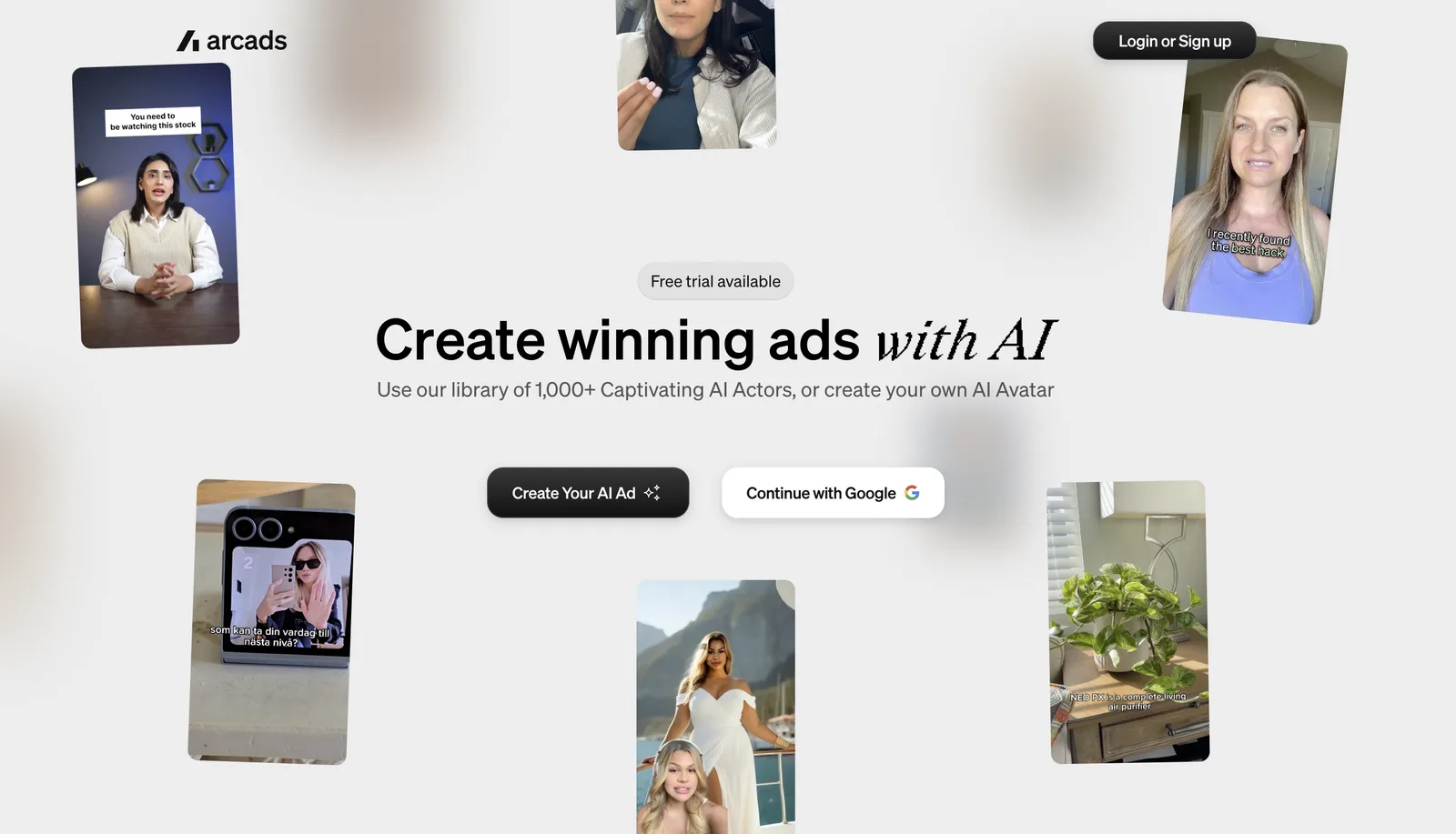
Arcads is built around how ad teams work: write many hooks, test them fast and scale the winners. Its AI actors are based on real actors who gave consent and are paid for the use of their likeness, and they're designed to look like real customers filming on their phones rather than polished studio presenters.
Main features:
- 1,000+ AI actors you can filter by age, gender, type and setting.
- Emotion control. Add emotions and intonation directly in the script.
- Product-in-hand videos. Generate an image of an actor holding your product from your product photo, then turn it into a talking video.
- Workflows (Creator and above). Turn one winning ad into many variations in one automated run. For example, Arcads' guide shows one winning ad turned into 20 variations with different actors, scripts and languages in a single workflow. That makes it easier to test different hooks, presenters and markets without building each video by hand.
- B-roll and movement. Add short B-roll clips and actor movement to go beyond a static talking head.
Custom avatars: create an actor from an image or prompt, or clone yourself from a video of at least 2 minutes. Custom actors are listed on Pro and above, and they're private to your workspace.
Languages: talking actors speak 74 languages with accents, and Translate Video offers 176 language and accent options with lip sync.
Pricing: credit-based plans (Starter, Creator, Pro, Scale and Business, plus Enterprise). A 72-hour free trial includes 1,000 credits with all features unlocked. A card is required to start the trial, and if you don't cancel before the 72 hours end, your subscription automatically moves to the Starter monthly plan. See the Arcads FAQ for current plan details.
Choose Arcads if you run paid social and need many ad variations fast, especially UGC-style ads with real-looking people.
Limitations for ads: standard talking-actor videos run up to 2 minutes, which suits social ads but not long-form content. The free option is a short trial rather than an ongoing free plan. Workflows and captions start on Creator, and custom actors, the API and team seats need Pro or above.
2. HeyGen: best for business video and translation
HeyGen is a broad AI video platform used for marketing, sales, training and translated content.
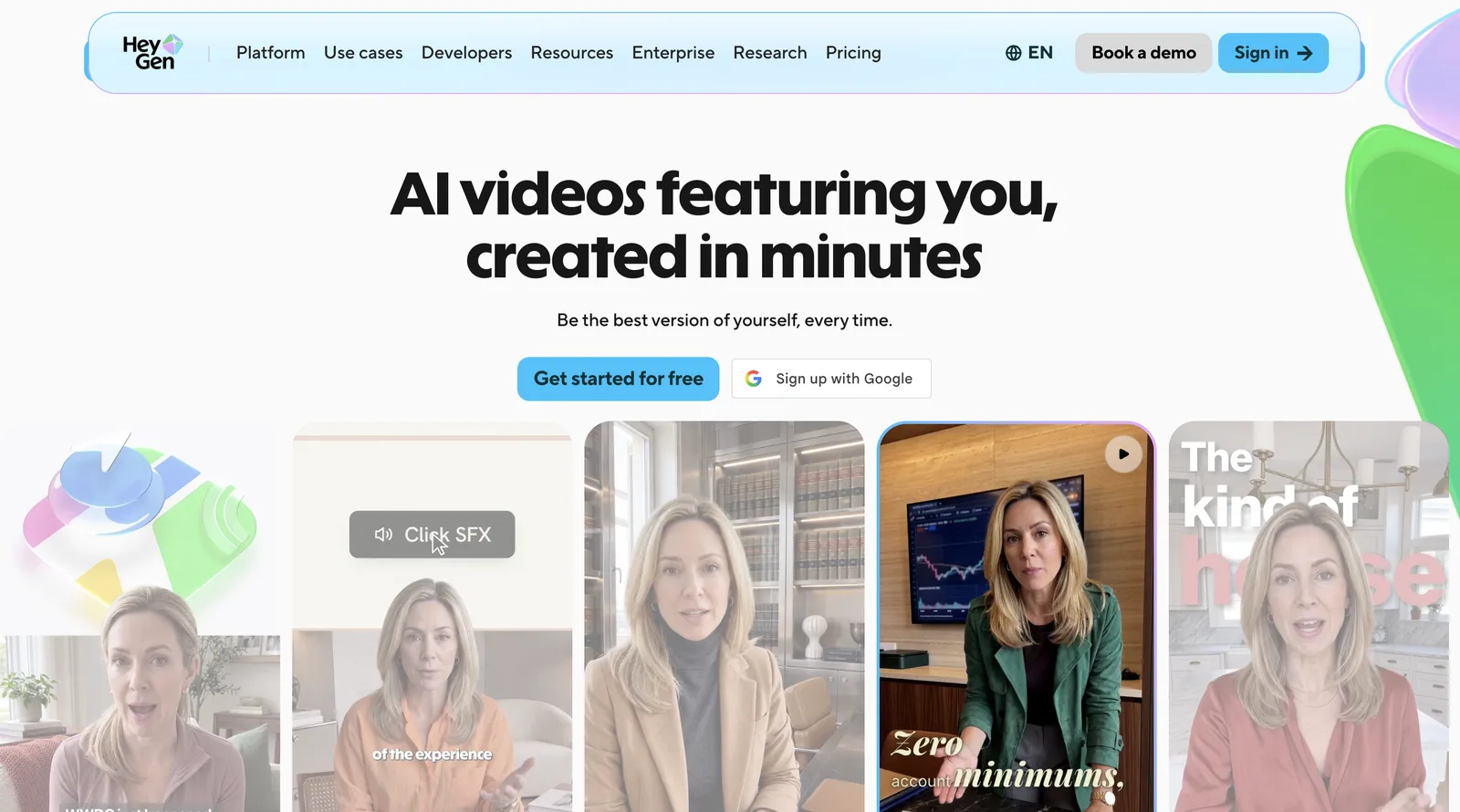
Main features: a large stock avatar library, photo and video avatars, video translation with lip sync, and a built-in editor with templates.
Custom avatars: yes. Even the free plan includes one custom avatar slot.
Languages: 30+ languages on the free plan and 175+ languages and dialects on paid plans.
Pricing: a free plan with up to 3 one-minute watermarked videos a month, Creator at $29/month, Pro from $49/month and Business at $149/month plus $20 per extra seat. See HeyGen pricing.
Choose HeyGen if you need one tool for many kinds of business video, or translation is your main need.
Limitations for ads: it's a general-purpose platform, so it has fewer features built specifically around ad testing, such as batch hook variations or product-in-hand actors. The presenter style can look more polished than native social content.
3. Synthesia: best for training and internal video
Synthesia is widely used for training, onboarding and internal communications.
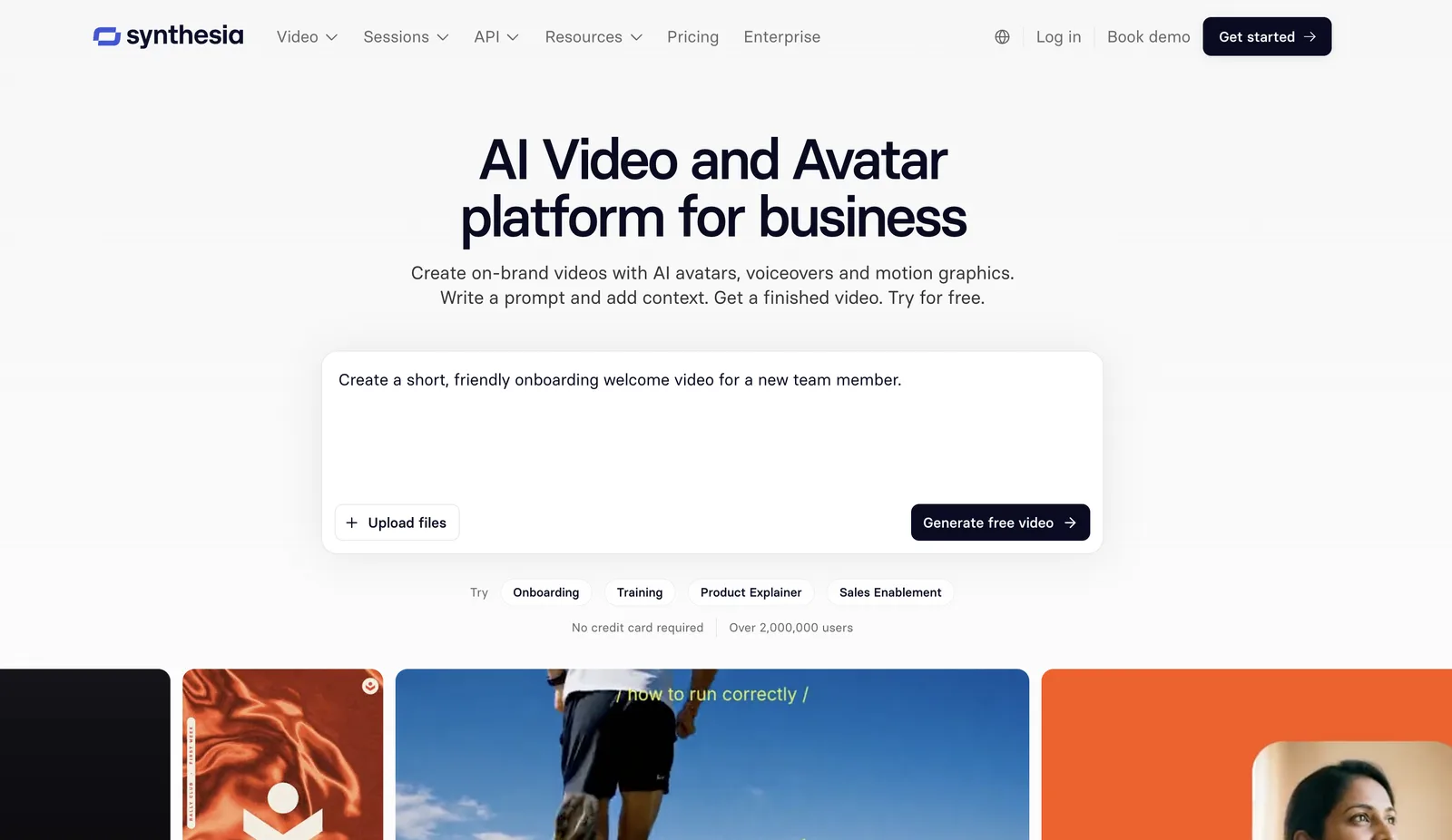
Main features: professional AI presenters, video templates for training and explainers, collaboration for teams, and localisation.
Custom avatars: personal avatars are available on paid plans.
Languages: 160+ languages.
Pricing: the free Basic plan includes 10 minutes of video a month, with Synthesia branding. Paid plans add credits on top of that free allowance: Starter at $29/month and Pro (previously called Creator) at $89/month, with lower rates billed yearly. See Synthesia pricing.
Choose Synthesia if you're making training, onboarding or explainer videos where a clear, professional presenter matters most.
Limitations for ads: the polished presenter style and slide-style templates are less suited to the phone-filmed look that tends to work in social ads, and plans are built around video minutes rather than many short variations.
4. Creatify: best for product-page-to-ad
Creatify is an AI ad tool focused on e-commerce.
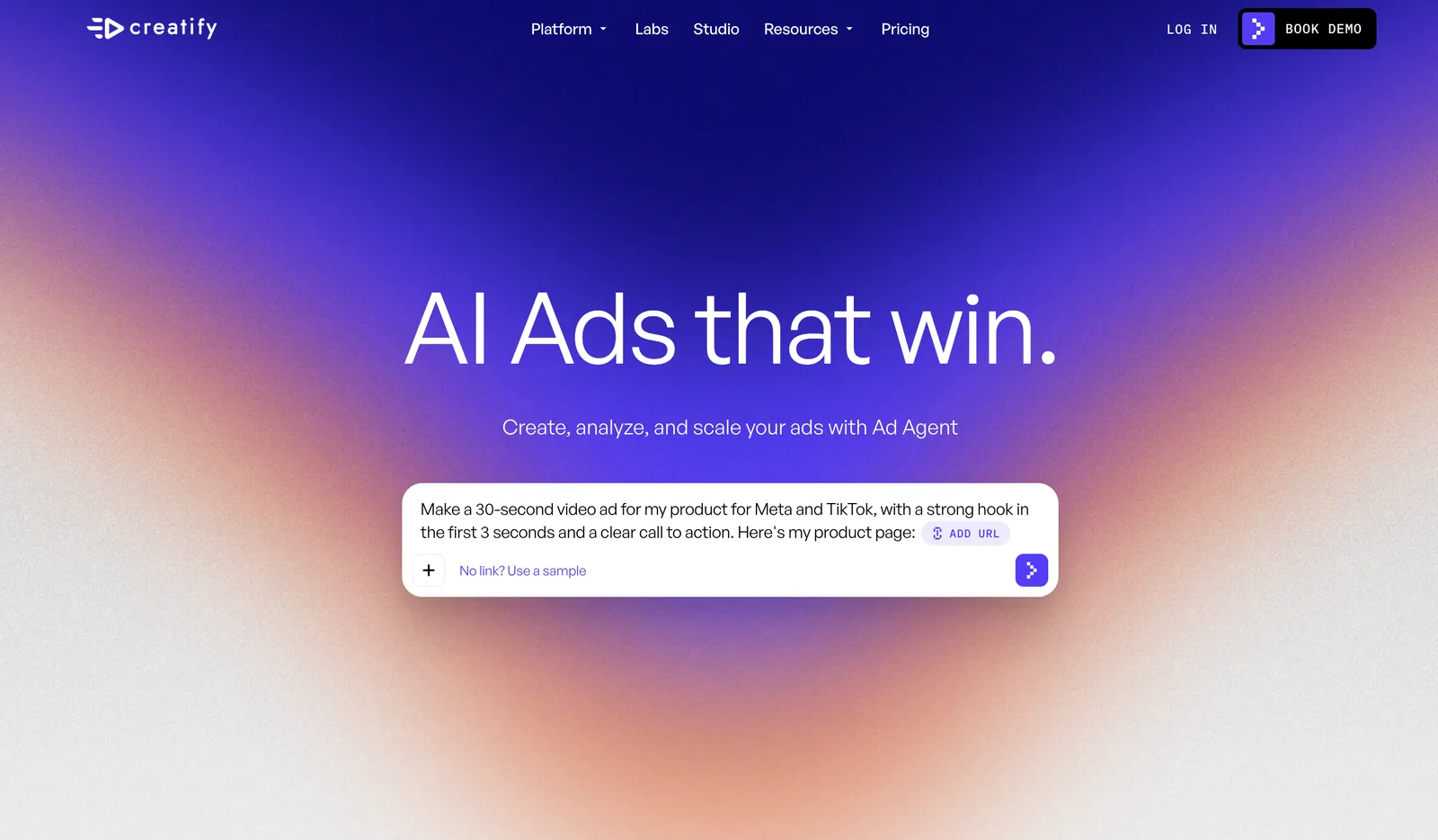
Main features: URL-to-video, which turns a product page into video ad drafts, AI actors, ad templates and batch variations. Pro adds more actors and ad-launching tools.
Custom avatars: on the Pro plan.
Languages: 75+ languages.
Pricing: at the time of writing, a free plan with 10 credits a month (about 2 watermarked video ads), Starter at $39/month and Pro at $99/month. See Creatify pricing.
Choose Creatify if you sell many products online and want quick ad drafts straight from your product pages.
Limitations for ads: many of its strongest features, including the larger actor library and custom avatars, sit on the Pro plan. Starting from a product page is fast, but you have less control over each actor's delivery than when you script from scratch.
5. VEED: best for editing avatar videos
VEED is an online video editor with AI tools built in.
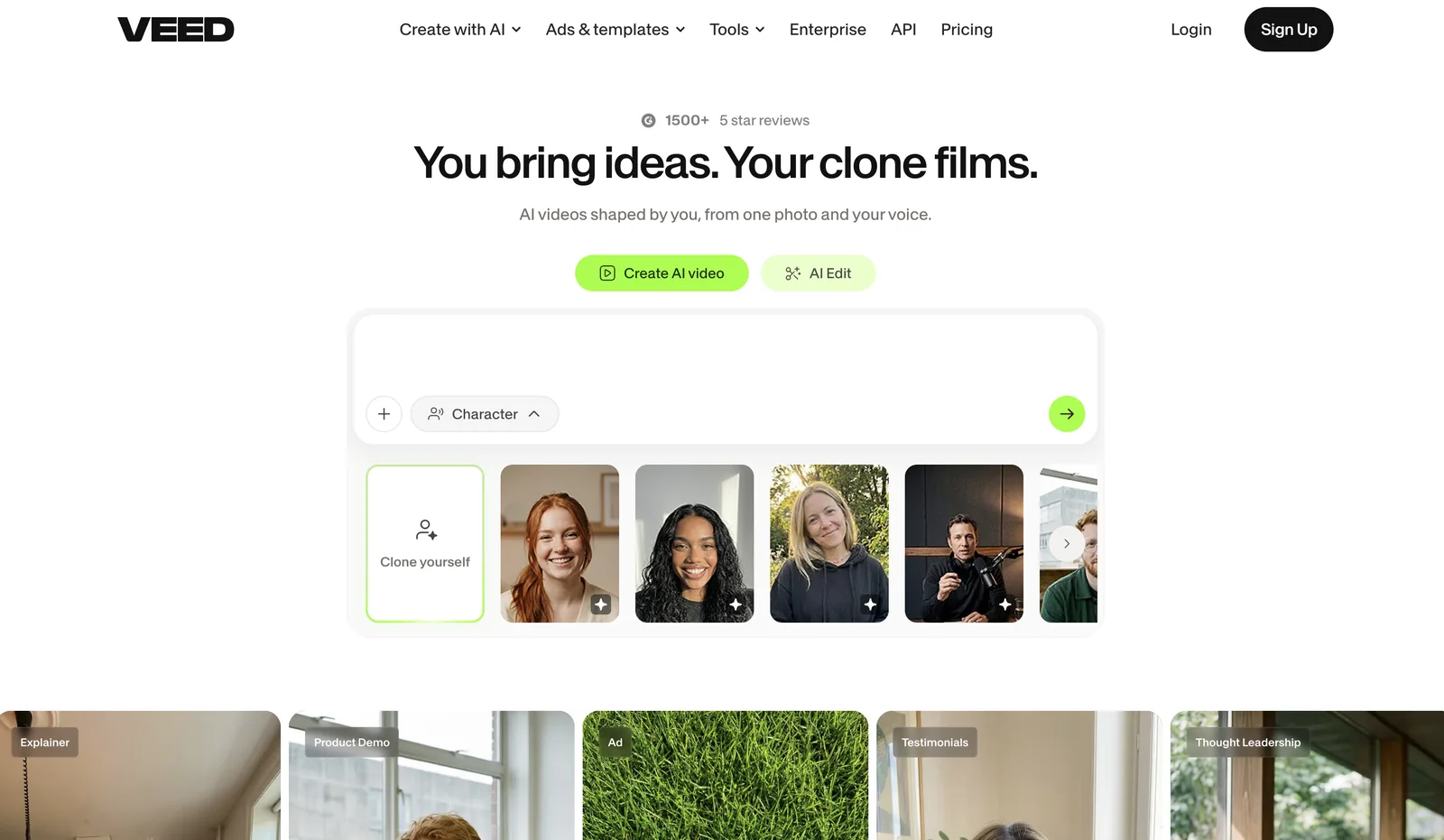
Main features: a full browser-based editor, 60+ stock avatars, automatic subtitles, dubbing and AI video generation.
Custom avatars: a personal avatar (AI twin) made from a 2-minute recording, on the Pro plan with the avatar add-on.
Languages: stock avatars speak 120+ languages. Subtitle translation and dubbing coverage is listed separately on VEED's site.
Pricing: a free plan with watermarked exports, where stock avatars are free to try with usage limits. Paid plans add more AI credits and remove the watermark. See VEED pricing.
Choose VEED if you already edit in VEED and want to add avatar segments, captions and b-roll in one place.
Limitations for ads: avatars are an add-on to an editor rather than the core product, so there's no batch variation workflow, and a personal avatar needs the Pro plan with the avatar add-on.
Pricing and free plans compared
- Arcads: Free plan or trial: 72-hour trial, 1,000 credits, all features, card required, moves to Starter unless cancelled; Paid plans from: Starter (credit-based); Main limits: Workflows and captions from Creator, custom actors, API and team seats on Pro and above
- HeyGen: Free plan or trial: Free plan: up to 3 one-minute watermarked videos a month; Paid plans from: $29/month (Creator); Main limits: Credit limits, 4K on Pro
- Synthesia: Free plan or trial: Free Basic plan: 10 minutes a month, with Synthesia branding; Paid plans from: $29/month (Starter), Pro (formerly Creator) $89/month; Main limits: Paid credits add to the free 10 minutes, unused minutes don't roll over
- Creatify: Free plan or trial: Free plan: 10 credits a month (about 2 video ads), watermarked; Paid plans from: $39/month (Starter); Main limits: Custom avatars and full actor library on Pro
- VEED: Free plan or trial: Free plan: watermarked exports, stock avatars free to try with limits; Paid plans from: Lite and Pro plans; Main limits: More AI credits on Pro, personal avatar needs Pro with the avatar add-on
Prices are in USD on monthly billing, from each tool's pricing page or help centre in November 2026. Plans change often, so check before you buy.
Is there a free AI avatar video generator? Yes, but free options are for testing, not running ads. Expect watermarks, short videos and a small number of exports. HeyGen, Synthesia, Creatify and VEED have ongoing free plans. Arcads has a 72-hour trial with all features unlocked, which suits testing ad workflows like batch variations, but remember to cancel if you don't want the Starter plan to begin.
What is an AI avatar video generator?
An AI avatar video generator is software that turns a text script into a video of a realistic digital person speaking it. The avatar's lips, face and gestures are synced to the voice, so the result looks like it was recorded on camera.
Most tools follow three steps: you write a script, choose an avatar and a voice, and the tool renders the video with synced speech and natural movement.
AI avatars vs real UGC creators
AI avatars don't replace creators in every case. Here's how they typically compare. Exact timings and costs depend on your tool, plan and creators.
- Typical turnaround: AI avatar videos: Minutes per video once the script is ready; Real UGC creators: Usually days to weeks, including briefing, shipping and filming
- Cost of an extra variation: AI avatar videos: Credits on your plan; Real UGC creators: Usually a new fee per video or edit
- Testing many hooks and faces: AI avatar videos: Practical at volume; Real UGC creators: Limited by budget and creator availability
- Languages: AI avatar videos: Many, from one script; Real UGC creators: Usually one per creator
- Genuine personal experience: AI avatar videos: No, an AI actor hasn't used your product; Real UGC creators: Yes
- Best use: AI avatar videos: Testing angles, scaling winners, localising; Real UGC creators: Authentic reviews and testimonials
Many teams use both: AI avatars to find winning angles fast, and real creators for genuine testimonials. For the full playbook, read how to create UGC ads.
How to make an AI avatar video in Arcads, step by step
1. Start with one clear angle. Decide who the ad is for and the single problem it solves. "Busy parents who want healthy dinners in 15 minutes" is an angle. "Our meal kit is great" is not.
2. Write a short script. Aim for 15–30 seconds for social placements. Open with a hook, show the problem, show the product solving it, and end with one call to action.
3. Pick your AI actor. Filter the library by age, gender, type and setting, and choose someone who looks like your customer.
4. Choose a voice and direct the delivery. Filter voices by language and accent, then add emotions to the script, such as excited on the hook and calm on the explanation. Preview the audio before you generate.
5. Show the product. Generate an image of the actor holding your product from your product photo, turn it into a talking actor, or add product B-roll over the talking parts.
6. Generate and review. Watch the first three seconds on a phone screen, at the size your audience will see it. If the hook or lip sync is off, adjust and regenerate.
7. Make variations. Keep the body of the script and swap the hook, actor or language. Arcads Workflows can produce a batch of variations in one run.
8. Export and upload. Export vertical for TikTok, Reels and Shorts, and 16:9 for YouTube in-stream. For YouTube, follow our guide on how to make a YouTube ad with AI.
How to create your own AI avatar
If you want a founder, spokesperson or brand character in every video, create a custom avatar. In Arcads, custom actors are listed on Pro and above, so check your plan first. There are two ways to make one.
Option 1: Create a custom actor from an image or prompt
- In Arcads, go to Talking actor, then Add actors, then Create actor.
- Upload an image, either one you generated in Arcads or your own, or describe the actor in a prompt.
- Add guidance on how the actor should speak and behave, for example: "Talk with excitement and energy, looking directly at the camera, with a friendly tone."
- Click Turn into Talking Actor.
- Choose a voice and click Pick Voice to generate a preview.
- Your actor is saved under Talking Actor → My Actors, ready to use in any video.
For the best results, start with a clean, well-lit portrait with a sharp face, no hands over the face and a simple background.
Option 2: Clone yourself
- Record a reference video of yourself speaking continuously for at least two minutes (about 2 minutes 30 seconds is ideal). Use one continuous take with no cuts, keep your face fully visible and your mouth uncovered, keep the framing stable, and look at the camera.
- Send it to Arcads. It trains a custom model of your face, voice and speaking style.
- Once training is done, generate talking videos of yourself from any script, with no more recording.
Record in a quiet room with even lighting, and use the tone you want your avatar to copy, whether that's professional, casual or enthusiastic.
Only clone yourself or people who have given clear permission for their likeness and voice to be used. See Arcads' guide to cloning yourself into a talking actor for the full video requirements.
AI avatar video script templates
A quick but important rule first: an AI actor hasn't used your product, so don't script them as a real customer describing personal results. Write in a presenter or spokesperson voice, and keep every claim true for your product.
Problem-solution
[Curious] "If your [problem] keeps coming back, this is for you. Most [category] products [common shortfall]. [Product] works differently: it [key benefit]. Tap the link to see how it works."
Quick demo
[Upbeat] "Here's how to [do task] in under [time] with [product]. Step one, [action]. Step two, [action]. Done. Grab yours with the link below."
Objection handler
[Calm] "Wondering if [product] is worth it? Here's what you get: [benefit one], [benefit two] and [guarantee or offer]. Try it risk-free today."
Comparison
[Confident] "Most [category] products [common problem]. [Product] is different. It [benefit one] and [benefit two], for [price point or offer]. If you're switching this year, start here."
A complete example: skincare moisturiser
- Hook: [Curious] "Does your skin feel tight an hour after moisturising?"
- Problem: "A lot of moisturisers sit on the surface and don't keep skin hydrated through the day."
- Solution: "[Product] uses [key ingredient] to [benefit your brand can substantiate], in one simple step."
- Call to action: [Warm] "Check it out with the link below."
This version works in an AI avatar video because the actor presents the product rather than claiming they personally used it.
The limits of AI avatar videos, and how to work around them
AI avatar videos are fast and flexible, but they aren't flawless. Plan for these:
- Expressions can look off. Long or emotionally complex lines are harder to deliver convincingly. Keep sentences short and add clear emotion cues.
- Lip sync can slip. It's more noticeable on close-ups and fast speech. Review every video on a phone before you launch, and regenerate any that look wrong.
- Scripts can sound robotic. Write the way people talk, with contractions and short sentences, not brochure copy.
- Static talking heads lose attention. Cut to product shots, screen recordings or B-roll every few seconds, and add captions for people watching without sound.
- Setting mismatches break the illusion. Match the actor's setting to the product, like a kitchen for cooking products or a gym for fitness.
AI disclosure requirements for avatar video ads
The major ad platforms now have rules or labels for realistic AI-generated content. What applies to your ad depends on the content, the platform and the region where it runs, and not every AI avatar ad gets the same label. Check each platform's current policy before you launch.
- TikTok: advertisers must disclose realistic AI-generated content in qualifying ads, for example with the "This ad contains AI-generated content" option in Ads Manager. See TikTok's guide to adding disclaimers to ads.
- Google Ads (including YouTube): in July 2026, Google introduced an AI label setting for assets created or edited with AI. Labelled assets show disclosure information in My Ad Center, and in regions with disclosure rules, including the EU, India and New York, a label may also appear on the ad itself. For assets made with third-party tools like Arcads, you apply the label yourself. See Google's AI labelling update.
- Meta (Facebook and Instagram): Meta adds "AI info" to some ads created or significantly edited with generative AI, including some made with third-party tools that it detects. It appears in the ad's menu, or next to the "Sponsored" label when the ad shows an AI-generated photorealistic person. See Meta's guide to how AI-generated content in ads is labelled.
A disclosure label doesn't make a misleading claim acceptable, so keep scripts truthful as well as labelled.
FAQ
What is the best AI avatar video generator for ads?
For performance ads and creative testing, Arcads is built for the job, with 1,000+ AI actors, emotion control and batch variations. Creatify suits e-commerce teams that want ads from product pages, HeyGen is a strong all-rounder for business video, and Synthesia is a common choice for training video.
Is there a free AI avatar video generator?
Yes. HeyGen, Synthesia, Creatify and VEED have free plans with watermarks and limits, and Arcads has a 72-hour free trial. See the pricing table above for details.
How do I make an AI avatar of myself?
In Arcads, on Pro and above, you can create a custom actor from an image or prompt, or clone yourself from a reference video of at least two minutes. The clone reproduces your face, voice and speaking style, so you can make new videos without recording again.
How long does it take to make an AI avatar video?
Usually a few minutes from script to finished video. Custom avatars cloned from video need a one-time training step first.
Are AI avatar videos allowed in ads?
Yes, on the major platforms, but you may need to disclose them. TikTok requires disclosure of realistic AI-generated content in qualifying ads, Google has an AI label setting for AI-created assets, and Meta adds "AI info" to some ads made with generative AI.
How many languages can AI avatars speak?
It varies by tool. In Arcads, talking actors speak 74 languages with accents, and Translate Video offers 176 language and accent options. HeyGen lists 175+ languages on paid plans, and Synthesia lists 160+.
Do AI avatar videos perform as well as real creator videos?
It depends on your product and audience, so test them side by side. The main advantage of AI avatars is volume: you can test far more hooks, faces and languages than a creator budget usually allows, which makes finding a winner more likely.
Start making AI avatar video ads
The best ad is usually one you haven't tested yet. With an AI avatar video generator, the next version costs minutes instead of a reshoot.
Create your first AI avatar video with Arcads →
Keep reading:
How to create UGC ads
How to make a YouTube ad with AI
AI actors for video ads · AI UGC video generator
Test six AI actors before you film a single ad.
Write the script once. Arcads turns it into UGC-style video ads with 1,000+ AI actors.

Make your next winning ad with AI actors
Pick from 1,000+ AI actors, paste your script and get a UGC-style video ad in minutes. Test more hooks without booking a single creator.
Try Arcads free