How to make a YouTube ad with AI: step-by-step guide (2026)
A step-by-step guide to making YouTube video ads with AI: pick the format, apply Google's ABCDs, create the ad in Arcads, make Shorts ads and measure results.

Making a YouTube ad used to mean a shoot: a presenter, a camera crew and days of editing. Today you can make a YouTube video ad from a script in minutes with AI, and test several versions before you spend on media. This guide shows how to make a YouTube ad step by step, from choosing the format to exporting a finished video, including YouTube Shorts ads.
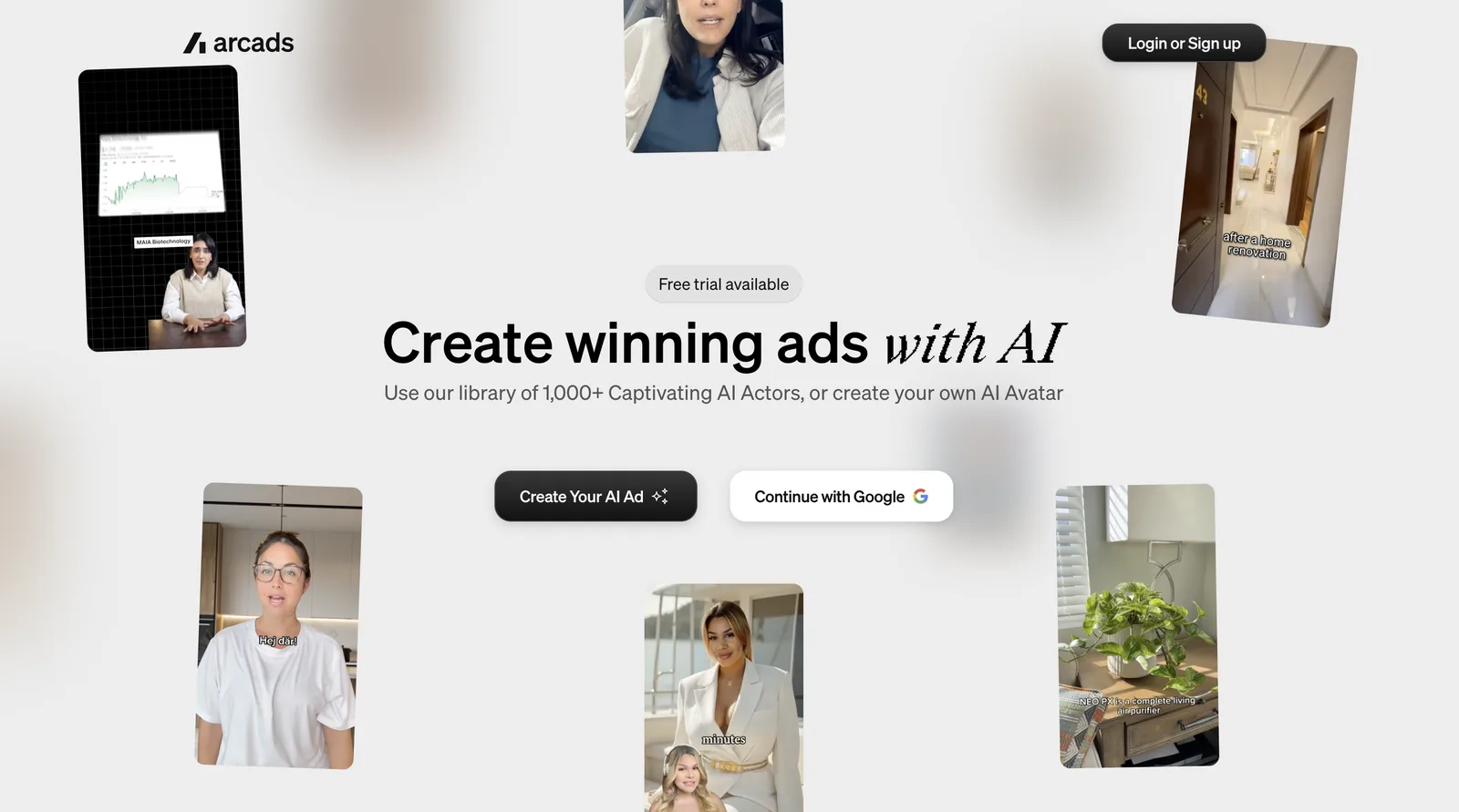
Arcads makes the whole YouTube video ad for you. You write the script, pick one of 1,000+ AI actors, and Arcads produces a finished ad, ready for in-stream, bumper and Shorts placements. There's no crew, no presenter to book and no reshoot when you want to test a new hook.
It focuses on creating the video itself. For campaign setup, such as bidding and targeting, see Google's guide to video campaigns.
What makes a YouTube video ad work: Google's ABCDs
Most YouTube ads can be skipped after 5 seconds, so the opening decides whether anyone sees the rest. Google's research-based guidance for effective YouTube ads is called the ABCDs: Attention, Branding, Connection and Direction. Google reports that, on average, ads following the ABCDs delivered a 30% lift in short-term sales likelihood and a 17% lift in long-term brand contribution, based on a Google and Kantar study.
Here's what each principle means, and how to apply it when you make the ad in Arcads:
- A ttention: What it means: Hook the viewer from the first frame; How to apply it in Arcads: Open on an AI actor's face mid-sentence with a bold claim or question, not a logo
- B randing: What it means: Brand early, often and richly; How to apply it in Arcads: Name the brand in the first lines of the script, and show the product or logo early
- C onnection: What it means: Help people think or feel something; How to apply it in Arcads: Pick an AI actor who looks like your customer, direct the emotion line by line, and add B-roll of the product in use
- D irection: What it means: Ask viewers to take one action; How to apply it in Arcads: End with a single call to action, spoken and on screen
One more rule: design for sound and silence. Use voice and music, and add captions for people watching muted on mobile and in Shorts.
Pick the YouTube ad format before you make the video
The format decides the length, shape and pacing of your video, so choose it first. These lengths follow Google's current video ad format documentation:
Most advertisers make one core ad and cut it into versions: a longer skippable ad, a 15-second non-skippable ad, a 6-second bumper and a vertical Shorts version.
How to make a YouTube ad with AI, step by step
Here's how to make a YouTube ad with Arcads' AI YouTube video generator, the AI YouTube ad maker:
- Write the script around the first 5 seconds. Open with the hook and say the brand early. Write two or three versions of the opening line, since that's what you'll test first.
- Choose a presenter. Pick from 1,000+ AI actors to match your audience, whether that's a founder-style spokesperson, a customer-style reviewer or an expert. The actors are based on real people who consented and are paid for their likeness.
- Set the voice and delivery. Choose a voice, or use speech to speech to put your own recording on the actor. Direct how each line is said, such as confident, excited or calm.
- Show the product. Add B-roll, product shots or screen recordings so viewers see what's being talked about, not only a talking head.
- Add captions and a clear call to action. Put the call to action on screen and in the voice-over, so it works with or without sound.
- Export for each placement. Export 16:9 for in-stream ads and 9:16 for YouTube Shorts ads, then upload each video to your YouTube channel to use it in Google Ads.
- Make versions to test. Swap the actor, change the hook, or cut a 6-second bumper from the same script. Arcads can also translate a winning ad into other languages for new markets.
Arcads has a 72-hour free trial with 1,000 credits and every feature unlocked. A card is required but isn't charged during the trial.
How to upload your AI YouTube ad to Google Ads
YouTube ads run from videos hosted on YouTube, so there's one extra step after you export from Arcads:
- Upload the video to your YouTube channel in YouTube Studio. You can set it to Unlisted if you don't want it on your public channel.
- Copy the video link once it has finished processing.
- In Google Ads, create a video campaign and paste the link when you add your video ad.
- Add your final URL, headline and call to action, then choose where the ad runs: in-stream, in-feed or Shorts.
- Upload each version (16:9, 9:16 and the bumper cut) so Google can match each placement.
How to make YouTube Shorts ads
YouTube Shorts ads appear between videos in the Shorts feed, so they need to look like a Short, not a TV ad shrunk to fit a phone:
- Shoot or generate vertical. Use 9:16 at 1080 x 1920. Don't crop a horizontal ad; frame the person and product for a phone screen.
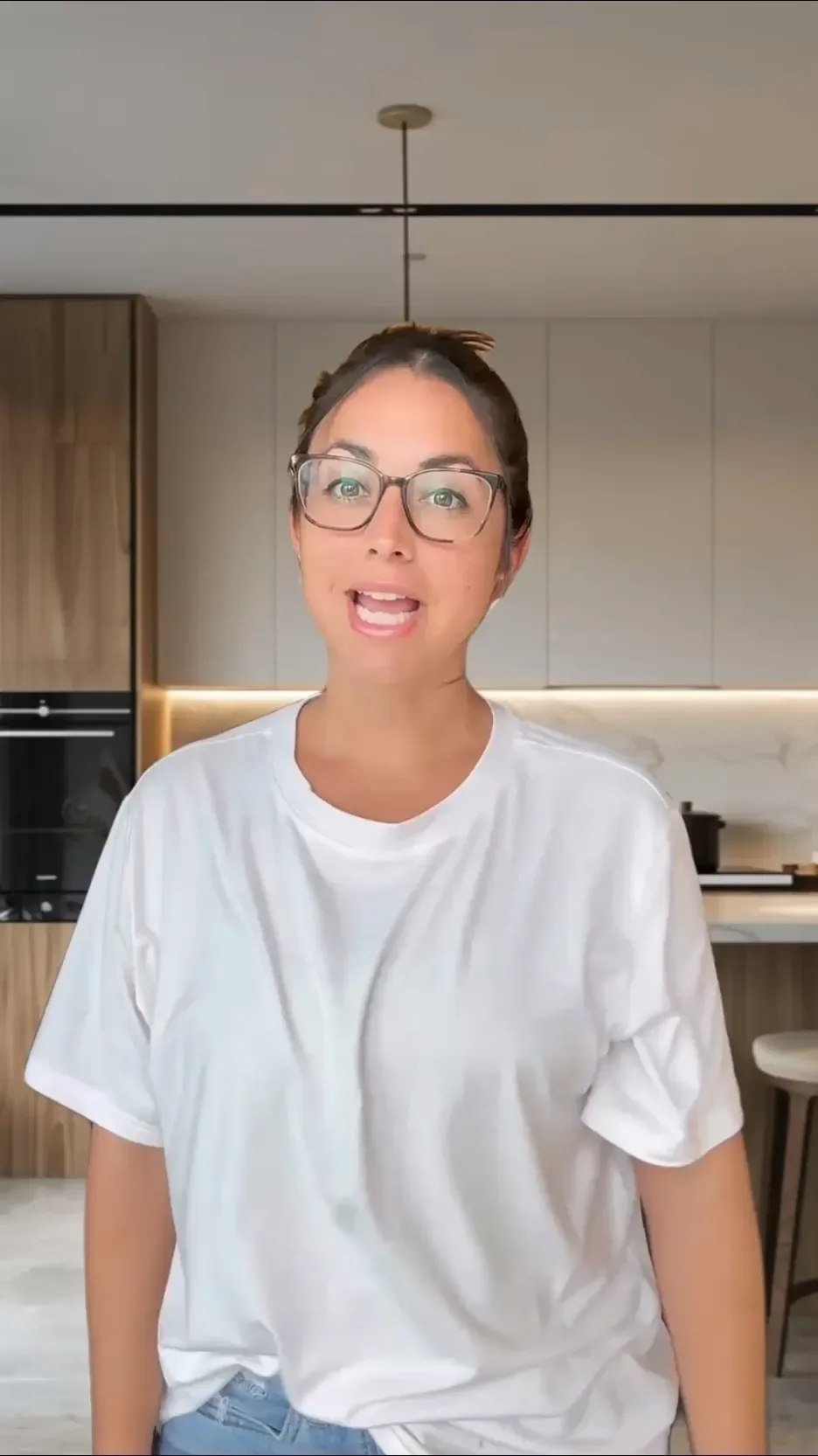
- Use a talking-to-camera style. A person speaking straight to the viewer, UGC-style, blends into the Shorts feed.
- Keep text clear of the edges. The Shorts interface covers parts of the bottom and right of the screen, so keep captions and key text in the middle.
- Hook in the first second. Shorts viewers swipe faster than viewers of long videos.
You can make the vertical version in Arcads from the same script as your in-stream ad. For more on vertical UGC-style ads, see our guide to creating UGC ads with AI.
YouTube ad script templates
Three starting points, one for each main format. Fill in the brackets.
Skippable in-stream ad (hook, story, call to action)
"If you [have this problem], don't skip this. I'm [name] from [brand]. We built [product] because [reason]. Here's how it works: [demo]. [Result or proof]. Try it free at [website]."
6-second bumper ad
"[Product]: [one big benefit] in [short time]. [Brand]."
YouTube Shorts ad (UGC-style)
"Okay, I need to tell you about [product]. I was [problem], and this fixed it in [time]. Look at this… [show result]. Link's right there."
For more opening lines, try Arcads' free AI hook generator.
YouTube ad examples: formats that work
The best YouTube ads tend to follow a few proven formats. Use these as models for your own:
- The direct-to-camera pitch: a founder or spokesperson explains the problem and the product in plain words. Works well for software, apps and services.
- The UGC-style review: a customer-style presenter shares an honest take, as if filmed on a phone. Strong for e-commerce and YouTube Shorts ads.
- The demo: show the product doing its job, step by step, with a voice-over. Ideal for tools and gadgets.
- The before and after: open on the problem, end on the result. Popular for home, fitness and beauty products, within YouTube's ad policies.
- The "don't skip" hook: speak directly to the viewer's situation in the first line, such as "If you run a Shopify store, don't skip this." It targets the right people and keeps them past 5 seconds.
YouTube ad specs at a glance
- Horizontal (in-stream, in-feed): 16:9 at 1920 x 1080
- Vertical (Shorts): 9:16 at 1080 x 1920
- Square: 1:1 at 1080 x 1080
- Bumper length: 5–6 seconds
- Non-skippable length: 15–60 seconds, depending on campaign subtype
- Skip button: Appears after 5 seconds on skippable ads
- Where the video lives: Upload it to a YouTube channel, then select it in Google Ads
YouTube updates its specs from time to time, so check Google's video ad format documentation before a large launch.
How to measure whether your YouTube ad works
Start by knowing what counts as a view. According to Google's help page on video views, a TrueView view on a skippable in-stream ad is counted when someone watches 30 seconds of the ad (or the whole ad, if it's shorter) or interacts with it, whichever comes first. In-feed and Shorts ads count a view at 10 seconds or a click. Bumper and non-skippable ads don't earn TrueView views, so judge those on reach and conversions instead.
Watch these numbers in Google Ads, and change the creative, not just the budget, when one is low:
- View rate: What it tells you: The share of impressions that became views; What to change in Arcads if it's low: Test new hooks or a different AI actor
- Watch time and video quartiles: What it tells you: Where viewers drop off; What to change in Arcads if it's low: Tighten the script and add B-roll where attention dips
- Click-through rate: What it tells you: Whether the call to action is clear; What to change in Arcads if it's low: Make the call to action spoken and on screen, and show the product sooner
- Cost per conversion: What it tells you: Whether the ad makes money; What to change in Arcads if it's low: Try a new angle, such as a demo instead of a testimonial
Change one thing at a time, so you know what made the difference. Because Arcads makes each new version from the same script in minutes, you can run these tests every week.
Frequently asked questions
How do I create YouTube ads with AI?
Write a short script with a strong opening line, then use an AI YouTube ad maker like Arcads to generate the video with an AI actor and voice. Add product shots and captions, export in 16:9 and 9:16, and upload the videos to your YouTube channel to use in Google Ads.
What is the best YouTube ad maker?
It depends on the ad. For presenter and UGC-style YouTube ads, Arcads creates the full video with AI actors, so you don't need a shoot. General video editors work if you already have footage and only need to cut it.
Can I make a YouTube ad without filming?
Yes. An AI YouTube ad creator like Arcads produces the presenter, voice and edit from your script. You only need product shots or screen recordings if you want to show the product in use.
How long should a YouTube ad be?
It depends on the format. Bumper ads run 5–6 seconds, non-skippable ads run 15–60 seconds depending on the campaign subtype, and skippable ads have no maximum, though Google recommends keeping them under 3 minutes. Whatever the length, the first 5 seconds matter most.
What size should a YouTube ad be?
Use 16:9 at 1920 x 1080 for in-stream ads and 9:16 at 1080 x 1920 for YouTube Shorts ads. Square 1:1 videos are also accepted.
Are AI YouTube ads allowed?
Yes, as long as they follow Google's ad policies. Google has disclosure rules for some kinds of realistic synthetic content, so check the current policy for your category before you launch.
The bottom line
To make a YouTube ad that works, choose the format first, win the first 5 seconds, show the product and end on one clear action. With AI, you can create the whole video from a script, then make versions for in-stream, bumper and Shorts placements in minutes. To make your first one, try Arcads' AI YouTube video generator.
Keep reading:
How to create UGC ads with AI
TikTok ad specs 2026
Best AI video ad generators in 2026
Test six AI actors before you film a single ad.
Write the script once. Arcads turns it into UGC-style video ads with 1,000+ AI actors.



Make your next winning ad with AI actors
Pick from 1,000+ AI actors, paste your script and get a UGC-style video ad in minutes. Test more hooks without booking a single creator.
Try Arcads free